Build payment follow up around the reason for delay
3 min read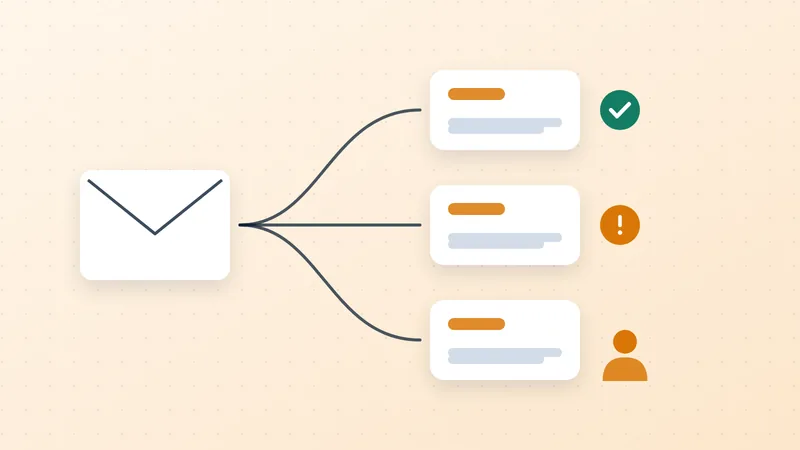
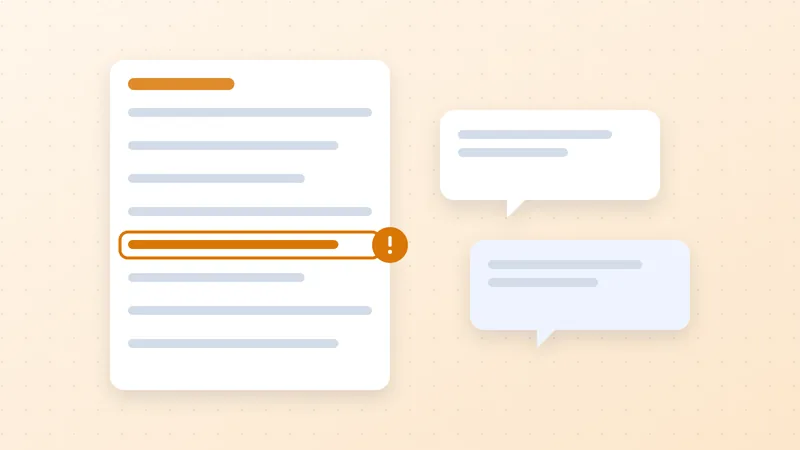
A reminder works best when the customer has an accurate invoice, knows who should approve it and has no unresolved obstacle to paying. If the invoice is in the wrong portal or the amount is disputed, another reminder may create activity without progress.
Atradius reported that 43% of credit-based B2B sales in its 2025 US survey were overdue, primarily because of customer cash flow pressure.[1] That finding also marks a limit: a cleaner workflow cannot make an insolvent customer solvent. Payment follow-up needs to distinguish administrative obstacles from commercial and credit problems.
Check eligibility before every message
Confirm the current outstanding balance, due date, recent receipts, open disputes and any approved communication hold. If payment data is stale, investigate before issuing a definitive overdue demand. A reminder should not rely on yesterday's balance when another system may already have recorded a payment.
Use an illustrative cadence as a starting policy, not a universal best practice: an invoice delivery confirmation, an optional pre-due reminder, a polite overdue notice and a later personal review. Adapt it to the agreement, customer's approval process and normal relationship. Configure one owner for each communication channel so different tools do not issue overlapping messages.
QuickBooks Online already supports automatic reminders.[2] The additional operating work is deciding when the routine should stop, what it should become and who handles the response.
Route replies according to the blocker
For a missing document, assign the person who can supply it and retain evidence of resubmission. For a purchase order problem, involve the commercial or customer onboarding owner. For a disputed amount, move the affected balance into the dispute process. For a reported payment, request remittance details and investigate allocation. For financial distress, escalate to management for a commercial decision.
"No response" is a separate category. Validate the recipient and channel before assuming intentional delay. A bounced accounts payable address calls for contact correction, not a more forceful version of the same email.
An illustrative $3,500 invoice has $2,000 already allocated and a $500 disputed line. The record should show the remaining $1,500 and identify which portion is disputed. Any follow-up about the undisputed portion must reflect the actual agreement and current balance. Repeating a $3,500 demand would undermine confidence in your records.
Make escalation a decision point
Escalation should name the person who can act, not merely copy a senior colleague. The next decision might be whether to provide missing evidence, agree a documented correction, revise future credit terms or seek external advice. Do not automatically threaten service suspension or fees that were never agreed.
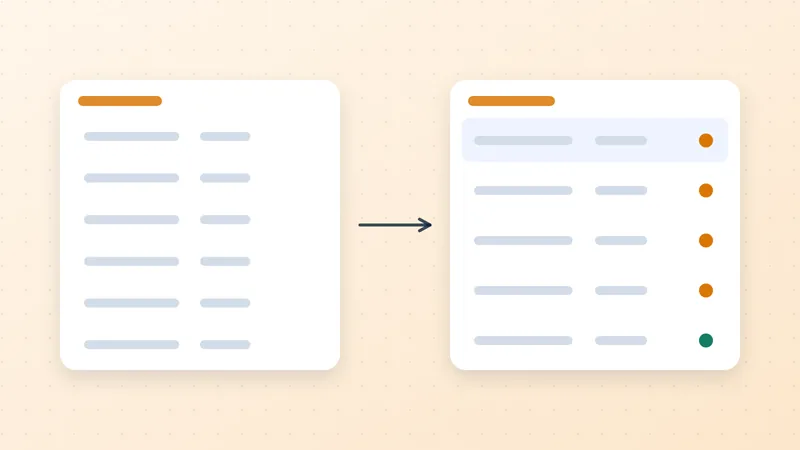
Use the daily receivables work queue to keep the amount, reason, owner and next review date visible. When an invoice leaves the routine cadence, it must enter another controlled path; otherwise suppressing reminders can simply hide the balance.
Measure resolution rather than message volume
Track cases resolved, time to resolve each reason category, incorrect reminders and overdue value with no assigned next action. A rising email count can mean the process is working harder without addressing the cause.
Review a sample of paid and still-open invoices together. The paid sample shows which actions helped; the open sample prevents the team from overlooking difficult balances. The objective is appropriate action on each account, supported by accurate information, with customers receiving messages that match their actual situation.
Sources
- Atradius. B2B payment practices trends in North America 2025 (opens in a new tab). 17 September 2025. Credit insurer survey.↩
- Intuit. Send invoice reminders automatically or manually in QuickBooks Online (opens in a new tab). Updated 5 August 2026 on retrieved page. Product documentation.↩