The best next action may be to stop the next reminder
1 min read
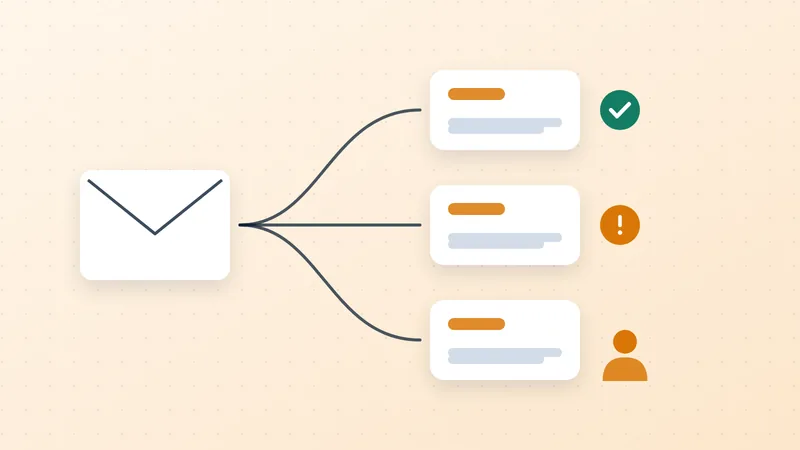
A customer replies that the invoice was paid yesterday. Another disputes a line item. A third says the attachment is missing. Each response should change the next action.
QuickBooks already supports routine reminder scheduling.[1] The practical control is what happens when the routine no longer fits the facts.
Before the next message, check the current balance and route the reply. A reported payment needs allocation review. A missing document needs resubmission. A disputed charge needs evidence and an authorized decision. If the financial feed is stale, verify the status before making a firm overdue claim.
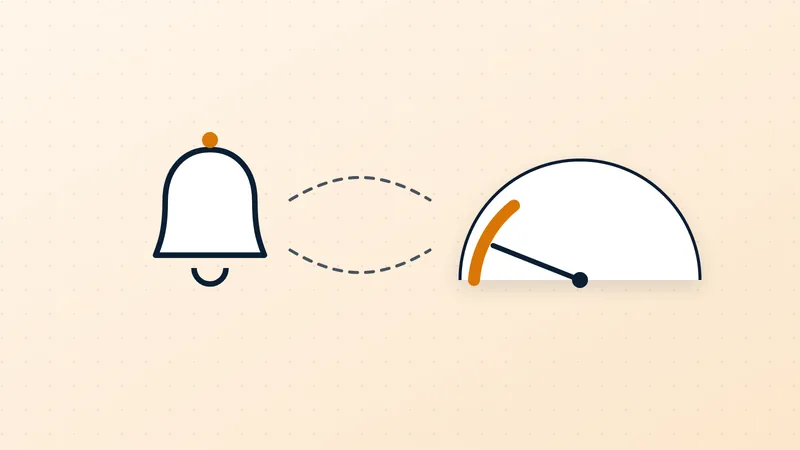
Pausing a message is only half the control. Record the reason, owner and next review date so the balance remains visible. Otherwise a communication hold can become an indefinite hiding place for a receivable.
Measure incorrect reminders as well as messages sent. A process that sends fewer, more accurate messages may serve the business better than one that maximizes activity.
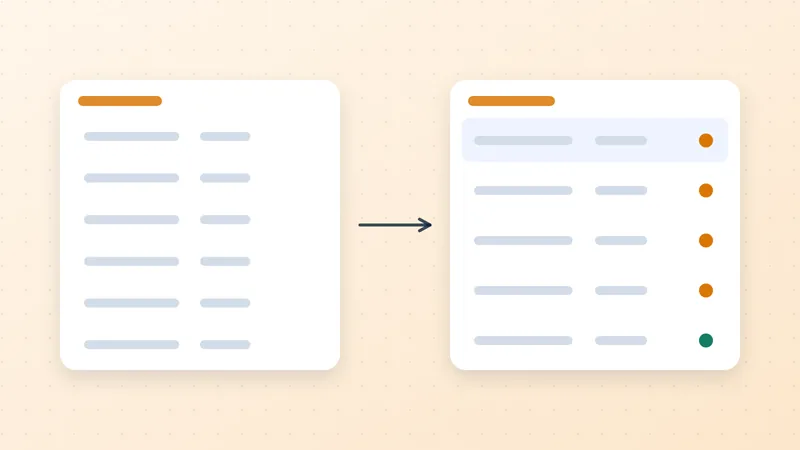
Use the follow-up rules and work queue together: the first governs communication, while the second makes the necessary action accountable.
Sources
- Intuit. Send invoice reminders automatically or manually in QuickBooks Online (opens in a new tab). Updated 5 August 2026 on retrieved page. Product documentation.↩