Turn project milestones into controlled billing events
3 min read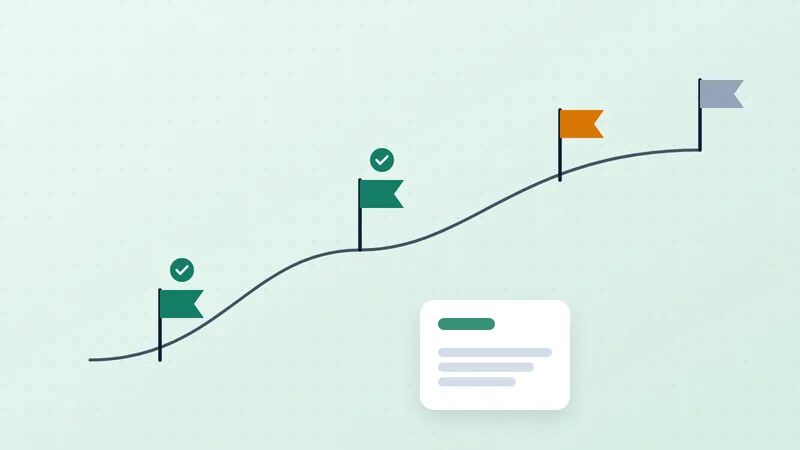
A project status of complete does not necessarily mean an invoice is ready. The contract might require customer acceptance, a specific deliverable or an approved timesheet. Automatically billing whenever a task closes can produce invoices that are early, incomplete or difficult to defend.
QuickBooks supports progress invoicing from an estimate.[1] That capability still needs a business rule defining when each portion becomes billable. The design problem is the connection between delivery evidence and the invoice, not merely the ability to split an estimate.
Define each milestone as a billing record
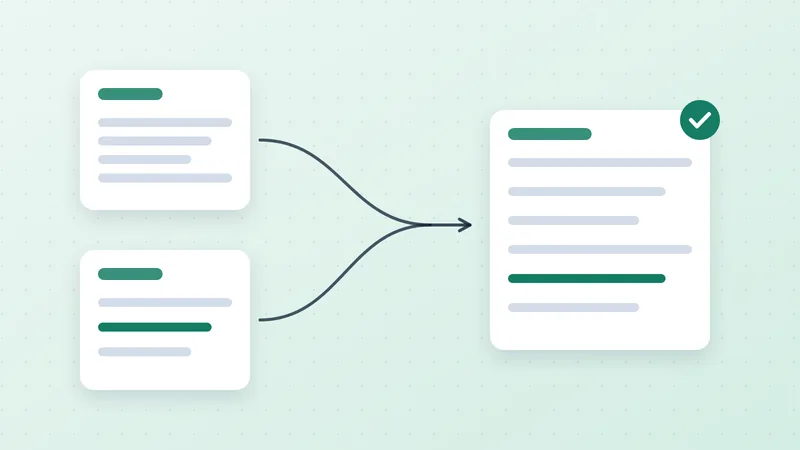
For every planned milestone, record the contract version, event description, amount or calculation, evidence required, person authorized to approve it, and applicable billing date. Give it a stable reference that remains connected to the eventual invoice.
An illustrative $60,000 software engagement might require $12,000 on contract execution, $24,000 on accepted prototype delivery and $24,000 on final acceptance. A demonstration meeting is not necessarily accepted prototype delivery. If the agreement is ambiguous, resolve that ambiguity before configuring automation.
Keep amendments separate from the original schedule. The change order process explains why silently editing the first estimate weakens the evidence for what the customer agreed to pay.
Separate preparation from release
Automation can prepare a draft when the delivery team records a milestone. Release should depend on the approved rule: correct contract, required evidence, amount validation and no previous invoice for that same event. Low-risk recurring events may need fewer manual checks than unusual commercial changes, but the rule should be explicit.
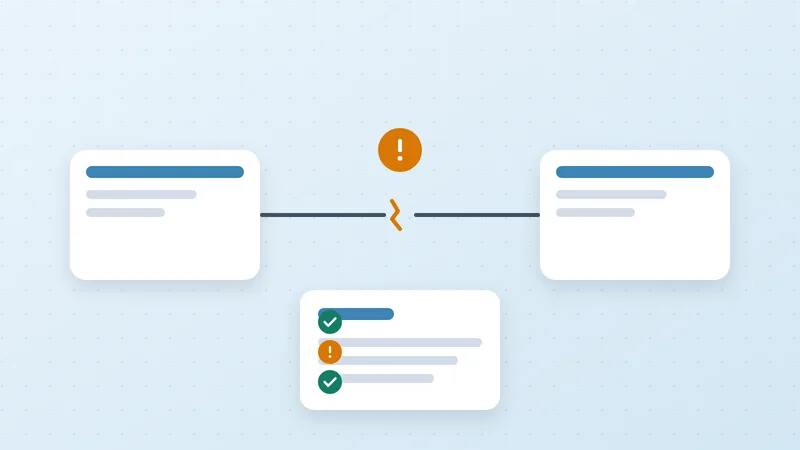
For an illustrative engineering project, a manager uploads phase approval and selects the appropriate milestone reference. The system creates a draft and routes missing purchase order information to finance. It should not label the milestone billed merely because it attempted invoice creation. Store the resulting invoice reference or a visible failure.
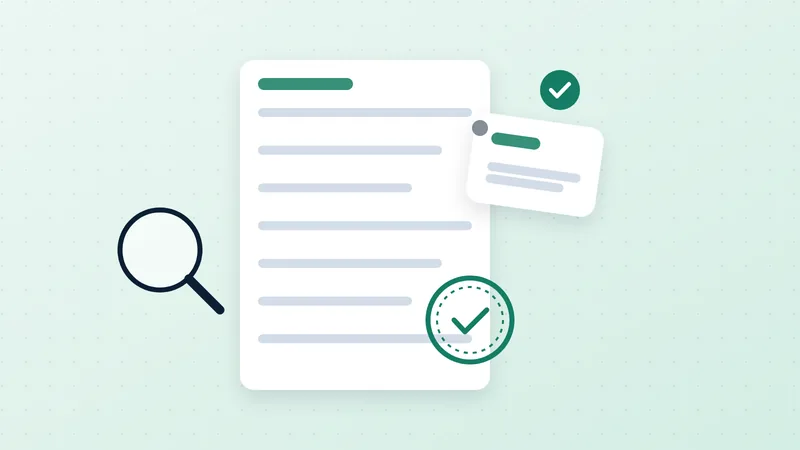
A useful completeness test works in both directions. Every eligible milestone must map to an invoice or an explained exception. Every milestone invoice must map back to the authorized event. The first catches omissions; the second catches unsupported billing.
Decide how exceptions change the schedule
Partial completion needs a documented rule. Do not assume that 80% project progress permits billing 80% of a milestone. The agreement may make the milestone indivisible or define a different calculation. A delayed acceptance should generate a task for the delivery owner, with the underlying evidence attached.
If the customer rejects a deliverable, hold the affected billing event and record the reason. Keep unrelated, valid invoices moving where the contract and circumstances allow. If a revised milestone replaces an earlier one, preserve both versions and identify which is active.
Test a repeat before going live
Send the same completion event twice in a test environment and confirm that it cannot create a second invoice. Then test a changed amount, an approval withdrawal, an unavailable accounting connection and an event received after the invoice was created manually. The integration test plan describes the broader set of failure cases.
Measure eligible-to-invoiced days, aged eligible milestones and corrections after release. Do not count future contractual milestones as delayed billing. A disciplined schedule protects the customer from unsupported charges and gives the supplier a visible list of work it is entitled to bill.
Sources
- Intuit. Set up and send progress invoices (opens in a new tab). Updated 24 August 2026 on retrieved page. Product documentation.↩